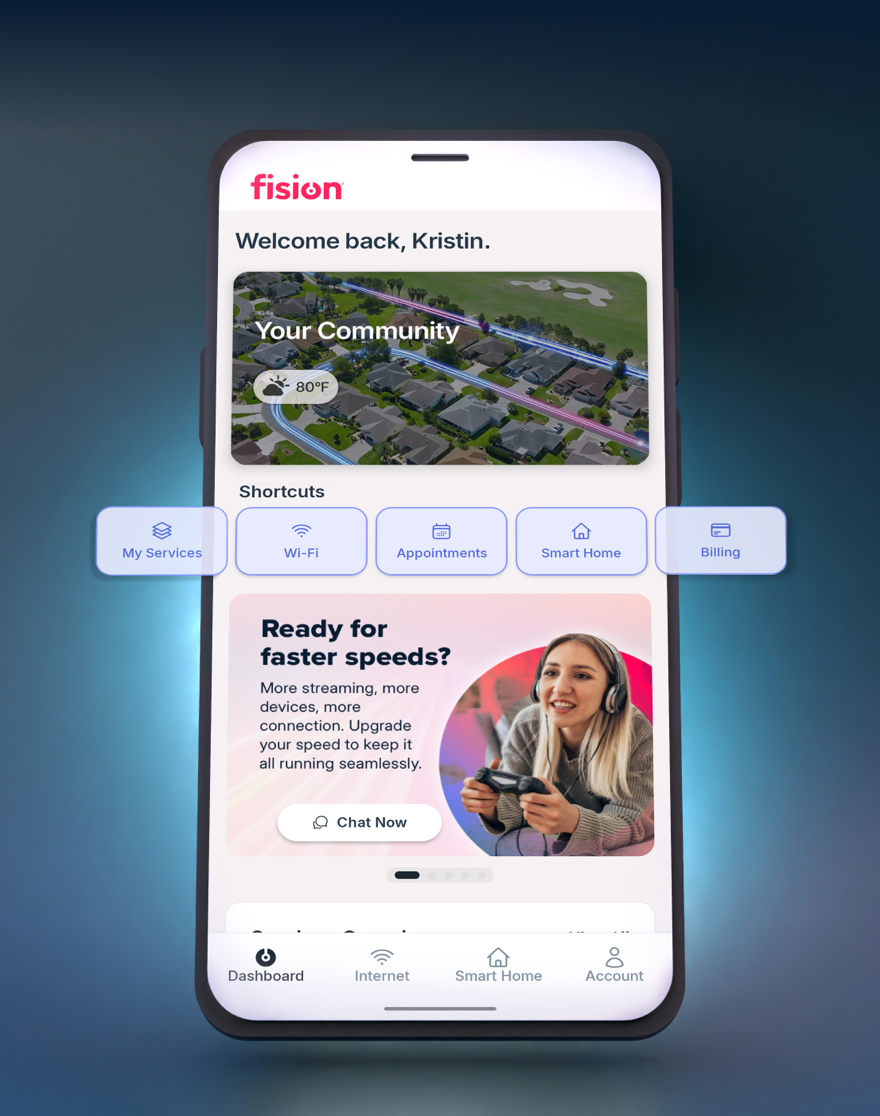
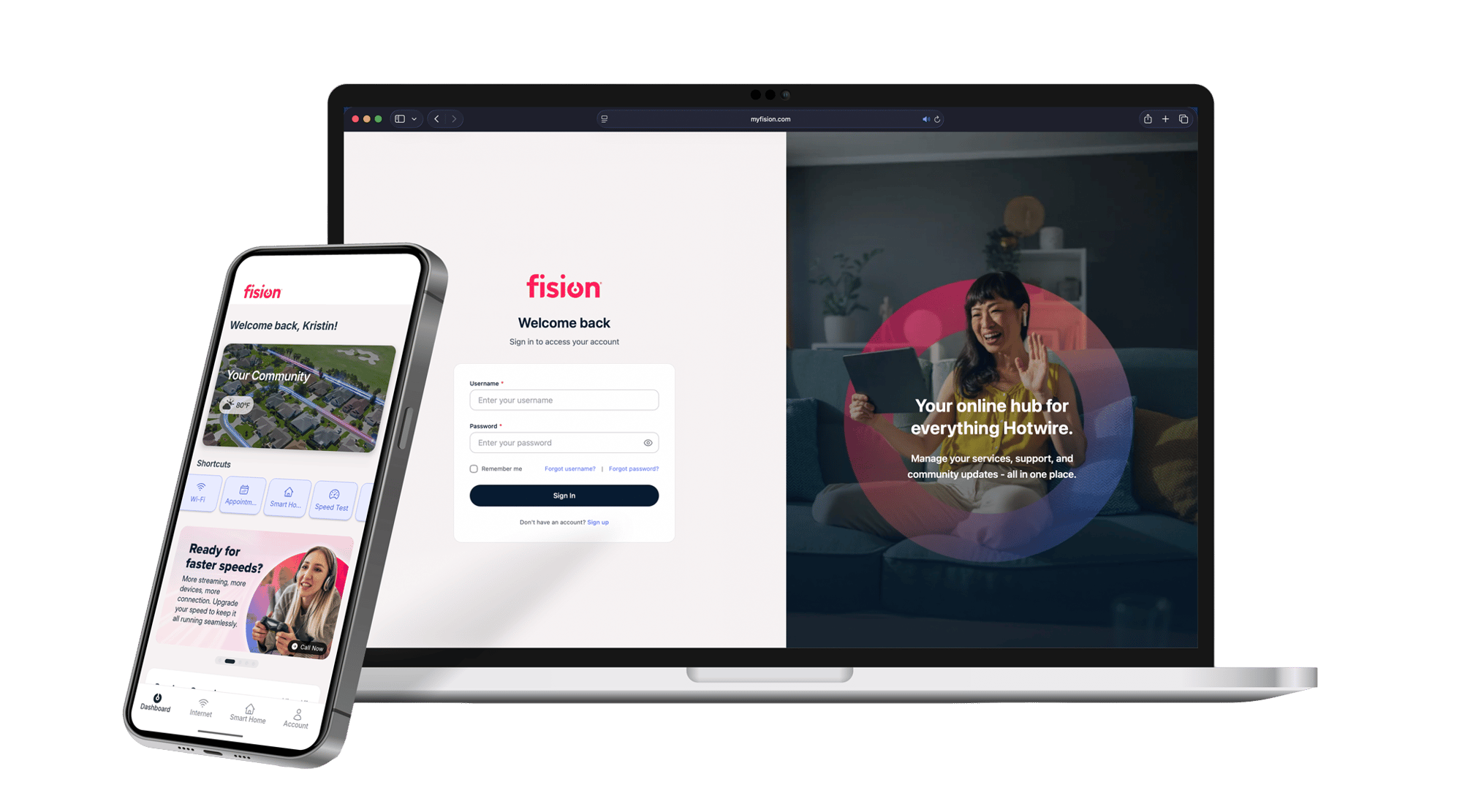
We’re excited to introduce the new MyFision app, an upgraded experience designed to make managing your Hotwire services easier and more convenient — all in one place.
We’re excited to introduce the new MyFision app, an upgraded experience designed to make managing your Hotwire services easier and more convenient — all in one place.
What You Need to Do:
To access the updated experience, please download the new MyFision App. The previous version of the app will be retiring soon.
Once installed, simply sign in using your existing Hotwire account credentials.
If you do not already have a Hotwire online account, you can easily create one within the app:
Tap 'Get Started' on the welcome screen
Search for your ZIP code and address associated with your Hotwire service
Enter your phone number and verify with the code sent to your device